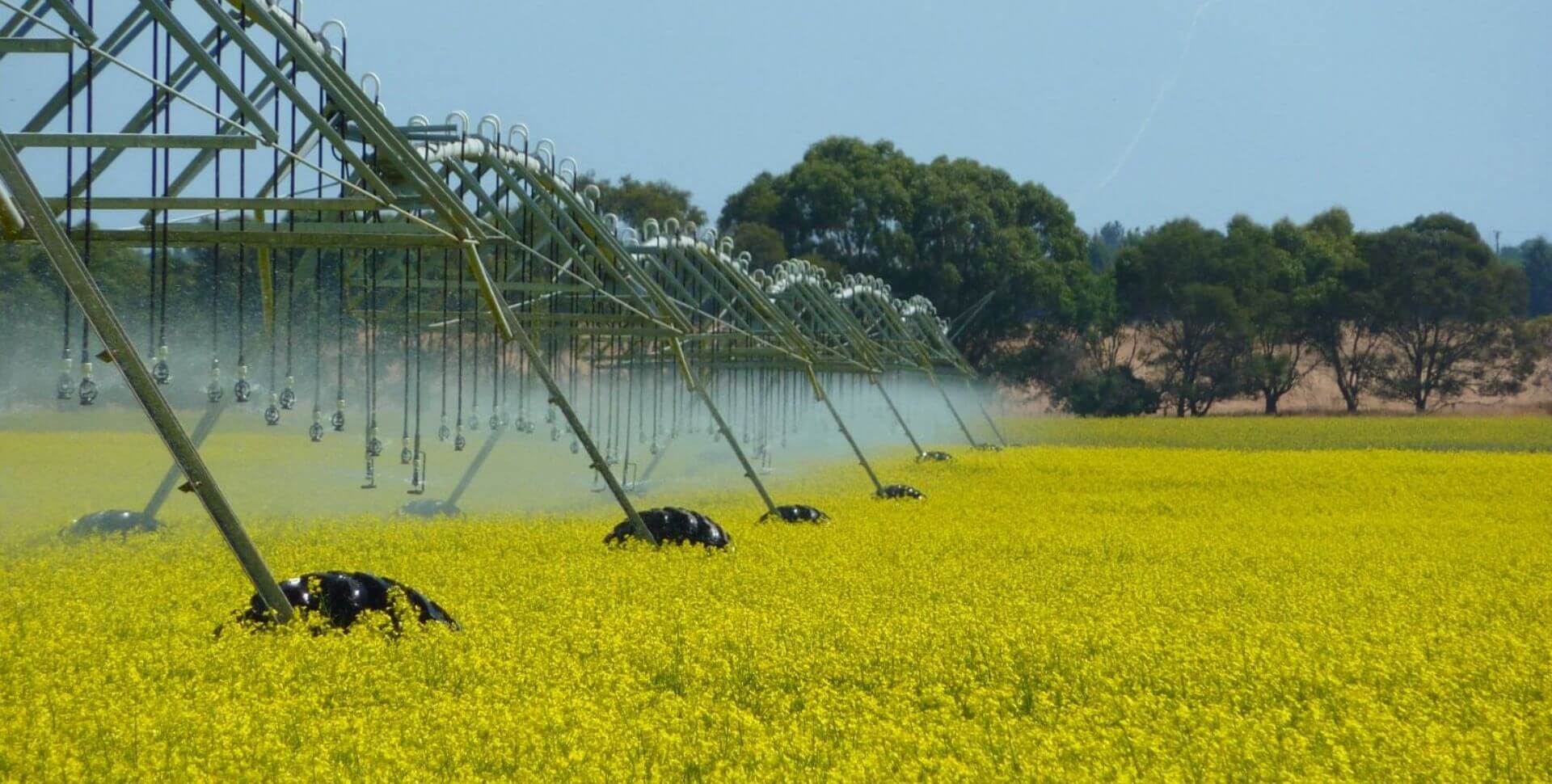

SensorNode LoRaWAN® for Pivot Irrigation Monitoring with AGWAN
AGWAN is bringing long-range, low-cost pivot irrigation monitoring and control solutions to the agricultural sector of Tasmania and beyond.

Track and manage valuable assets with Digital Matter's range of low-power LoRaWAN GPS tracking devices. Designed for long-term deployments, our battery-powered trackers provide reliable asset visibility without requiring an external power source or frequent battery replacements.
Choose from compact, rugged devices with GNSS positioning, Wi-Fi scanning, and LoRaWAN geolocation capabilities to monitor assets across indoor and outdoor environments. Whether you're managing shipping containers, pallets, bins or equipment, our flexible tracking solutions help you improve visibility while reducing maintenance and operating costs.
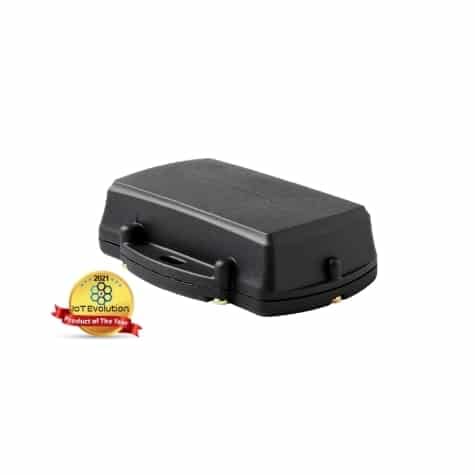
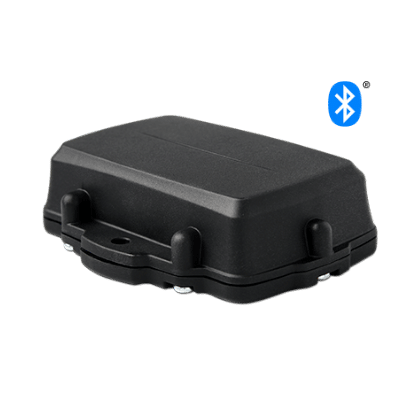
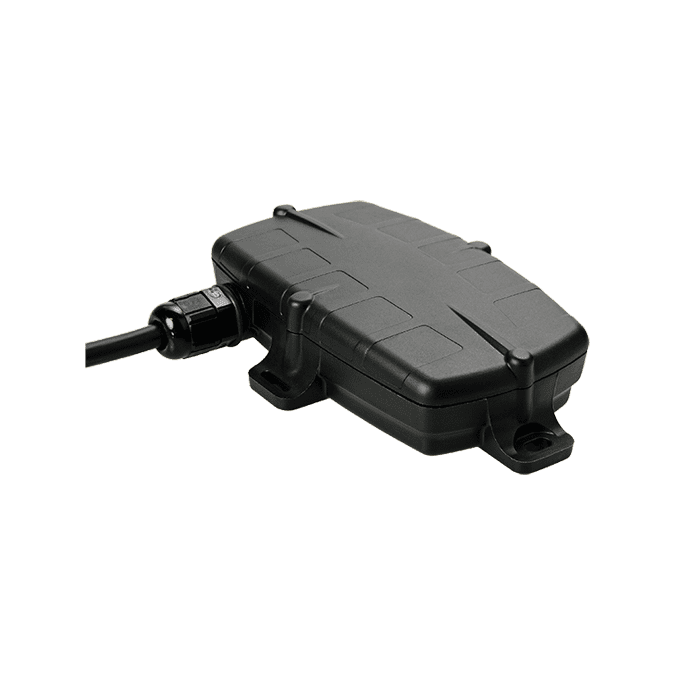
Digital Matter's LoRaWAN GPS trackers combine intelligent power management, flexible reporting and rugged designs to support reliable, long-term asset tracking.
Explore the features across our range, designed to support different tracking needs, with available capabilities varying by device, firmware and configuration.

Our multiband LoRaWAN trackers support 868 MHz and 902–928 MHz frequency ranges for deployments across multiple regions. See the supported network servers and regional frequency plans in the deployment section below.

Track non-powered assets without complicated wiring or installation. Digital Matter's compact, battery-powered LoRaWAN devices are ideal for equipment, pallets, bins, containers and other assets without access to a dedicated power source. User-replaceable batteries make maintenance straightforward, even across large deployments.

Reduce ongoing maintenance costs with LoRaWAN GPS trackers engineered for ultra-low power consumption and extended battery life. Intelligent power management and configurable reporting help minimise unnecessary battery usage, allowing businesses to deploy devices for years without frequent servicing.
NOTE: Battery performance depends on the selected device, reporting frequency, asset movement, network coverage and operating conditions.

Selected devices, including the Yabby Edge LoRaWAN, combine GNSS, Wi-Fi access point scanning and LoRaWAN geolocation to provide flexible positioning options.
Explore our Wi-Fi positioning technology to learn how compatible trackers can locate assets in environments where GPS signals are limited.

Choose how often your trackers report location data to suit your operational requirements. Configure supported devices to send updates at scheduled intervals or respond to movement, providing more detailed visibility when assets are active while conserving battery power when they're stationary.

Extend battery life by reducing unnecessary reporting when assets aren't moving. Supported devices can use movement detection and configurable reporting settings to limit power consumption during periods of inactivity.
Sleep behaviour and stationary reporting intervals vary by model and configuration, allowing you to balance asset visibility with long-term battery performance.

Tailor your LoRaWAN trackers to suit different asset tracking applications. Configure reporting intervals, movement detection, accelerometer sensitivity and other supported parameters using Digital Matter's DM-Link provisioning tool.
Selected settings can also be updated through LoRaWAN downlinks, depending on the device and network configuration.
For specialized applications, contact the team at Digital Matter to discuss custom firmware development and additional configuration requirements.
If your assets require a wired power supply, additional inputs and outputs, or operate outside reliable LoRaWAN coverage, Digital Matter also offers hard-wired GPS trackers and 4G GPS tracking devices.
These provide alternative connectivity and installation options for vehicles, powered equipment and assets moving across wider geographic areas.
29 Products
Battery-Powered
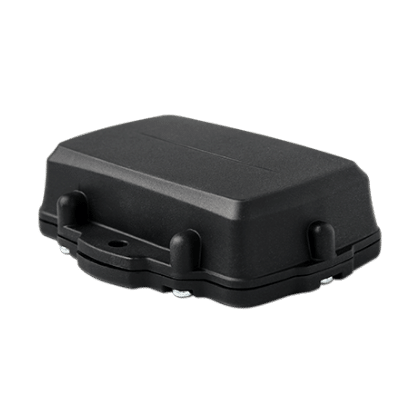
Oyster3 LoRaWAN®
LoRaWAN®
Rugged battery-powered GPS tracker for high-precision outdoor asset tracking on LoRaWAN networks.
Battery-Powered
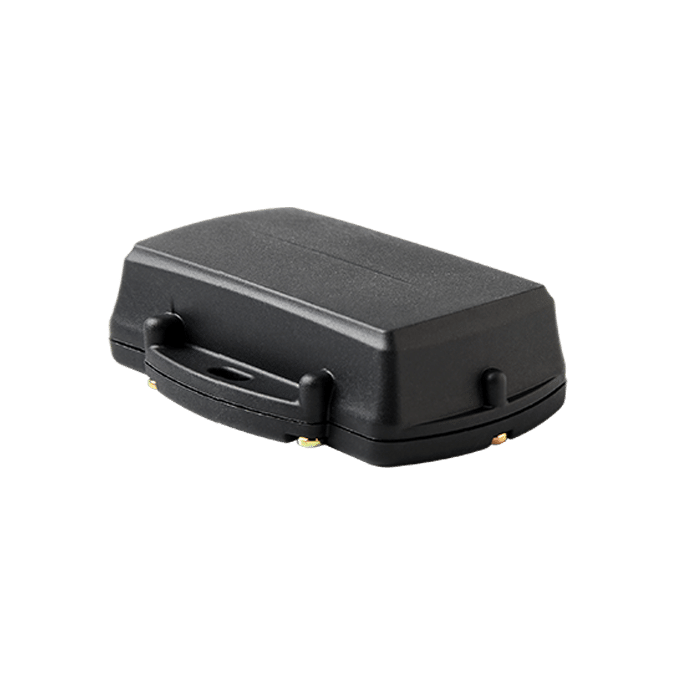
Yabby Edge LoRaWAN®
LoRaWAN®
Compact and rugged battery-powered GPS tracker for indoor/outdoor asset tracking on LoRaWAN networks.
Battery-Powered
Yabby3 LoRaWAN®
LoRaWAN®
Compact and rugged battery-powered GPS tracker for outdoor asset tracking on LoRaWAN networks.
AGWAN is bringing long-range, low-cost pivot irrigation monitoring and control solutions to the agricultural sector of Tasmania and beyond.

TreeMania is a sustainable approach to tree management, reducing the distance between people and nature with the Internet of Things.
Products: ensorData LoRaWAN


Outcomex is improving productivity and safety across rural Australia with LoRaWAN®, Digital Matter devices, and their own in-house application, Farmdeck.
Products: Guppy LoRaWAN® | Yabby LoRaWAN®
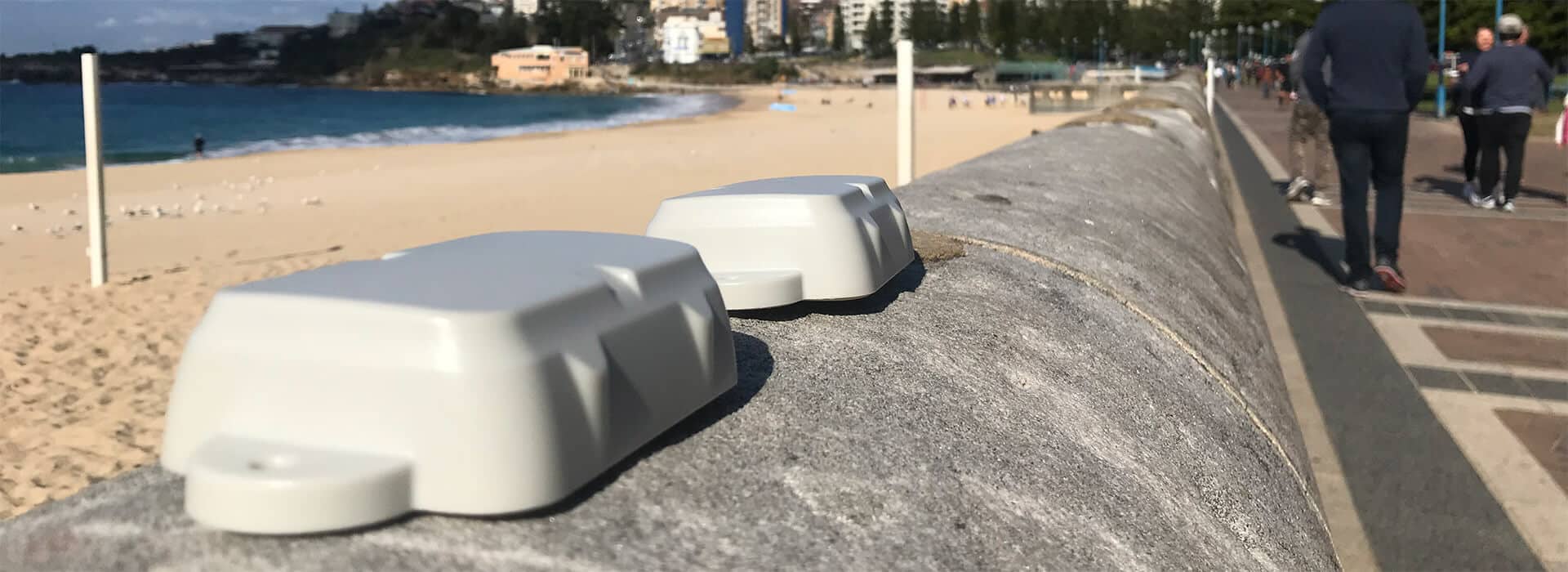

Established in 2015, Meshed IoT is providing innovative IoT solutions using the LoRaWAN® network to cities and industries throughout Australia.
Products: Yabby LoRaWAN® | Guppy LoRaWAN® | Oyster LoRaWAN®
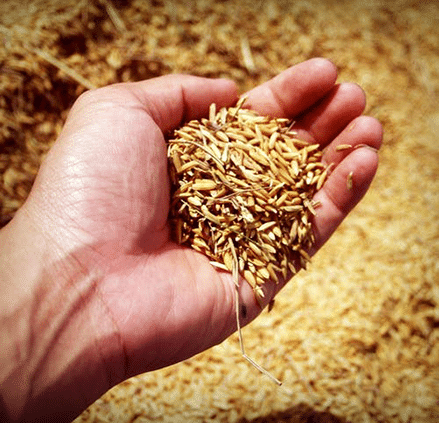
GrainMonitor is an intelligent grain bin monitoring system designed to improve grain quality in flat grain storage using the Internet of Things (IoT).
Product: SensorNode LoRaWAN